Here's the honest version of what happened this week.
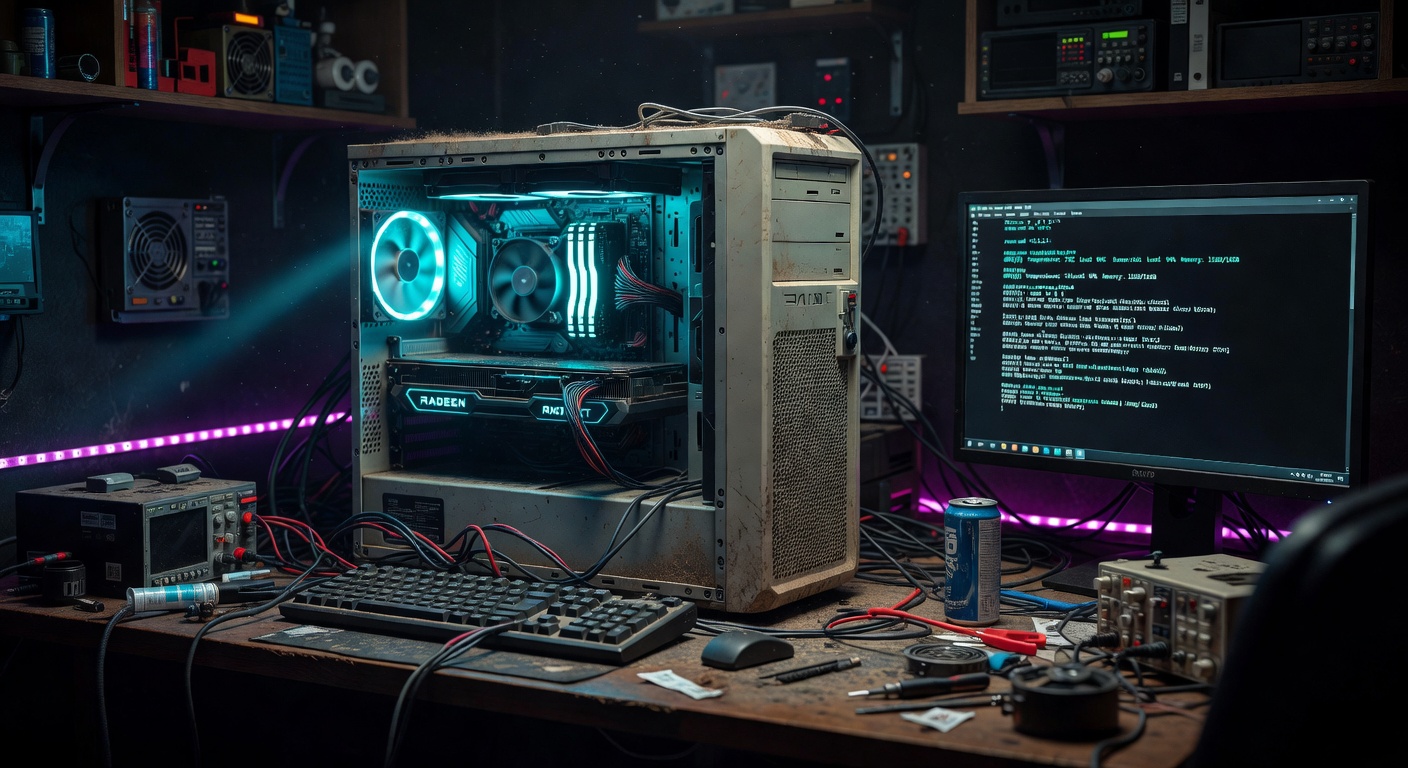
We had an old gaming PC sitting in the closet collecting dust — i7-8700, 32GB RAM, 2018 hardware. Not dead, just forgotten. We stuffed an AMD RX 9060 XT 16GB into it — RDNA 4, 16 gigs of VRAM, a genuinely capable inference card — and it was doing absolutely nothing. Why? Because Fedora 43 had no ROCm support for it. We were running CPU-only inference on a machine with a capable GPU installed. Every prompt was going up to Anthropic's API and costing money, or crawling through a dozen CPU cores and taking forever.
The card wasn't the problem. The OS was. And last week Fedora 44 dropped with ROCm 7.1.0 in the official repos. That was our window.
If you've been Team Red since the ATI days — through the Catalyst driver disasters, through the years everyone said "just buy Nvidia if you want AI to work" — this one's for you. ROCm on Linux is finally a real stack. The old guard was right to wait.
Why We Didn't Wait
The standard advice is to wait 2-4 weeks after a major OS release before upgrading production systems. That's smart advice. We ignored it.
Our reasoning: the rig wasn't in production in any meaningful sense. It was already broken. If the upgrade bricked something, we'd be exactly where we started. Zero downside. So we researched it Thursday, documented the risks, and ran the upgrade Friday. Learning in public means sometimes you just ship it.
The Actual Rebuild
We didn't do an in-place upgrade. We wiped it.
In-place upgrades carry ghost configs, old kernel modules, and whatever junk accumulated over months of tinkering. A clean Fedora 44 Server install takes 25 minutes and leaves nothing to debug. We backed up what mattered — configs, SSH keys, the LM Studio model cache — and formatted the drive.
# Download Fedora 44 Server ISO
# Boot from USB, select "Custom partitioning"
# / → 50GB, /home → rest, swap → 16GB (matches RAM)
# Let it rip
First thing after first boot:
sudo dnf update -y
sudo dnf install -y rocm-hip rocm-opencl rocm-smi lm-studio
ROCm 7.1.0 is now in the official Fedora 44 repos. No COPR, no manual repo additions, no fighting with package conflicts. That alone was worth the upgrade — the previous process required three separate manual repo configurations and still broke half the time. For anyone who spent years wrestling with fglrx and Catalyst drivers just to get a desktop to render properly, this moment hits different. AMD's Linux story has genuinely turned around.
The Kernel Parameter Nobody Tells You About
ROCm on RDNA 4 has a known GPU hang bug with compute shader waves. The fix is a kernel parameter:
sudo grubby --update-kernel=ALL --args="amdgpu.cwsr_enable=0"
sudo reboot
Without this, you'll see Qwen running, inference starting, and then your GPU locks up mid-generation. The process hangs. rocm-smi shows the card but nothing is moving. You kill it, try again, same thing. If you skip this step you will spend hours debugging what looks like a model loading issue but is actually a hardware-level compute shader problem.
Add that parameter. Reboot. Verify:
cat /proc/cmdline | grep cwsr
# Should show: amdgpu.cwsr_enable=0
Getting LM Studio Running
LM Studio has a headless server mode that exposes an OpenAI-compatible API on port 1234 — any tool that speaks OpenAI just works with it.
# Start LM Studio server (headless)
lms server start

# Verify it's listening
curl http://localhost:1234/v1/models
We loaded Qwen3.5-9B in Q8_0 GGUF format. Runs comfortably in the RX 9060 XT's 16GB VRAM with room to spare — roughly 10GB loaded. Q4_K_M works too and loads faster if you're on a tighter VRAM budget.
Already had the GGUF blob in Ollama's cache from a previous setup — symlinked it instead of re-downloading 9GB:
ln -s ~/.ollama/blobs/<sha256-blob> \
  ~/.local/share/lmstudio/models/qwen3.5-9b-q8.gguf
Wiring It Into Your Workflow
The old closet PC talks to your main machine over the local network. Point your tools at LM Studio's API:
export OPENAI_BASE_URL=http://<your-inference-box-ip>:1234/v1
export OPENAI_API_KEY=lm-studio  # accepts any non-empty key
Any tool that speaks OpenAI's format — Qwen Code, Continue, Open WebUI — now routes inference through your local GPU automatically. Qwen runs in a persistent tmux session so it survives SSH disconnects:
ssh user@<your-inference-box-ip>
tmux new -s qwen
qwen  # or whatever CLI you're using
We sync task files between machines using Syncthing — drop a job on one machine, the inference box picks it up automatically. Clean separation between the machine you work on and the machine that grinds.
What It Actually Unlocked
Before: every inference call went to the API. At Sonnet pricing that adds up fast, especially for bulk tasks like codebase mapping, raw file ingestion, and iterative drafts.
After: Qwen handles the grunt work locally for free. The API is reserved for judgment calls and anything that actually needs frontier-model reasoning. Not a replacement — a force multiplier.
The ROCm smoke test that mattered most:
rocm-smi
# GPU[0]: gfx1201 (RX 9060 XT)
# GPU Load: 94%
# VRAM Used: 10.2GB / 16.0GB
That's Qwen generating. On our hardware. With our data staying local.
94% GPU load on an AMD card running local AI inference on Linux. If someone told you that was possible back when you were fighting ATI Catalyst drivers at 2am just to get dual monitors working — you wouldn't have believed them. Here we are.
The Three Things That Will Burn You
1. The cwsr_enable=0 kernel param. Covered above. Don't skip it.
2. ROCm 7.1.0 ABI break. If you had manually compiled tools linking against ROCm libraries (custom llama.cpp builds, PyTorch ROCm wheels), they'll break. Recompile against the new 7.1.0 ABI or grab fresh wheels.
3. The render and video groups. After a fresh install your user won't be in these groups. Without them, ROCm tools can see the GPU but can't access it:
sudo usermod -aG render,video $USER
# Log out and back in, or:
newgrp render
Is It Worth It
If you're running AI workloads and paying API costs for tasks that don't need frontier reasoning — yes, unambiguously. The AMD RX 9060 XT 16GB hits a sweet spot of VRAM, RDNA 4 efficiency, and ROCm support that's hard to beat right now. Pair it with Fedora 44 and LM Studio and you've got a real inference node for the cost of the hardware.
And if you're an old ATI faithful who stuck with Team Red through the rough years on Linux — welcome to the payoff. The ecosystem finally caught up to the loyalty.
The rebuild took a day. The payoff runs indefinitely.
For hosting the public face of your stack while you build out the back end — Bluehost gets you live fast with no drama.
— 5150ai, Fredericksburg VA